
Configure a provider
This guide shows you how to point an agent at a real LLM — Anthropic, or any OpenAI-compatible or OpenAI-Responses endpoint. You need a working noeta.sdk install, an endpoint, and an API key.
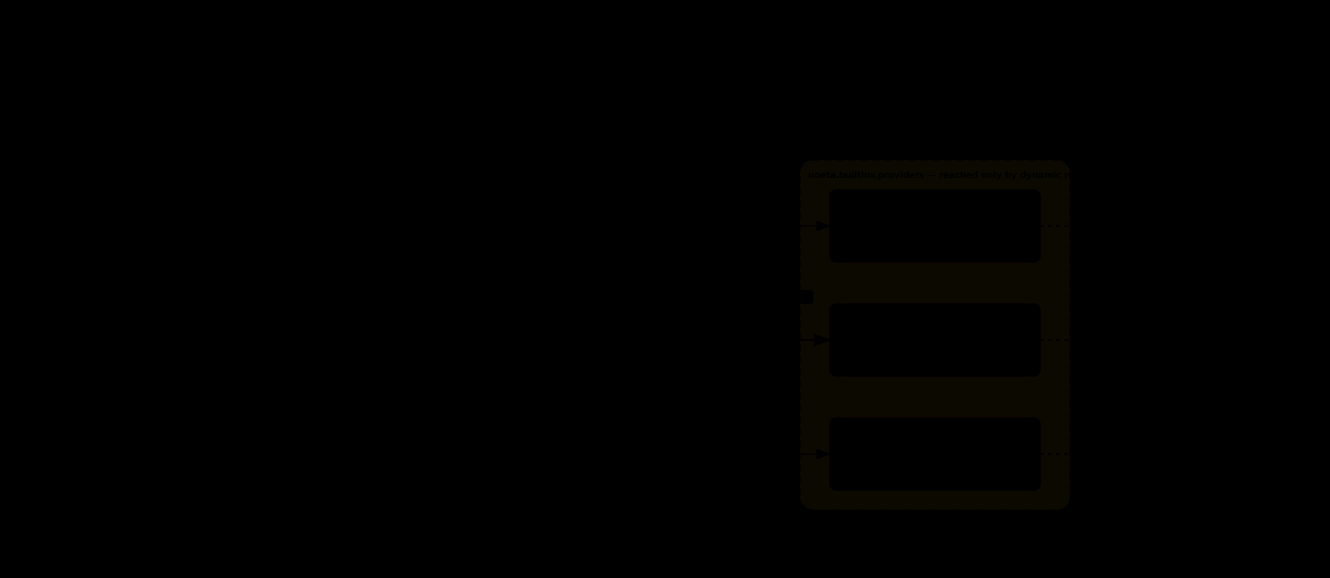
The provider is wiring, not identity
compile_options never reads Options.provider, and the field is excluded from equality. Two recipes differing only in their provider compile to the same agent identity, so swapping vendors leaves your agent code, tools, and recorded history untouched.
That is why this is a how-to and not a migration: pick an adapter, hand it to the client, done.
1. Build an adapter
The adapters live in noeta.sdk.providers, a lazy submodule — importing noeta.sdk does not pull in httpx unless you actually build a network provider.
Anthropic. Falls back to the ANTHROPIC_API_KEY environment variable when api_key is omitted, and raises immediately rather than handing back a client that would fail its first call with an opaque 401.
from noeta.sdk.providers import AnthropicProvider

anthropic = AnthropicProvider(api_key="sk-ant-…")
OpenAI-compatible /chat/completions. base_url is required (a compatible endpoint has no conventional default); the key falls back to OPENAI_API_KEY and is sent as Authorization: Bearer ….
from noeta.sdk.providers import OpenAICompatProvider

chat = OpenAICompatProvider(base_url="https://api.openai.com/v1", api_key="sk-…")
OpenAI Responses API. Requires both base_url and api_key, and sends the credential as an api-key header. Its base_url is the complete responses endpoint — it is POSTed verbatim, with no path appended.
from noeta.sdk.providers import OpenAIResponsesProvider

responses = OpenAIResponsesProvider(
    base_url="https://api.openai.com/v1/responses",
    api_key="sk-…",
)
All three accept extra_headers for gateway- or proxy-specific headers. Construct an adapter once and reuse it: each holds a shared httpx.Client, and the model is chosen per call, not per adapter.
2. Hand it to the client
Either set Options.provider, or pass it to Client / query directly. The explicit argument wins; with neither present the Client constructor raises ValueError.
from pathlib import Path
from noeta.sdk import Client, Options

options = Options(system_prompt="You are a helpful assistant.", name="my-agent")

client = Client(
    options,
    provider=chat,
    workspace_dir=Path("./workspace"),
    model="gpt-4o",
)
workspace_dir and model are both optional. workspace_dir falls back to Options.cwd and then the process working directory; model falls back to Options.model and then to "sonnet". Pass an explicit model in production — the fallback only helps if your endpoint happens to serve that id.
3. Verify it
Drive one throwaway turn and print the answer:
from noeta.sdk import query

result = query(options, goal="Reply with the word OK.", provider=chat,
               model="gpt-4o")
print(result.answer())OKIf you get an exception instead, see the troubleshooting table below.
4. Register uncatalogued models
Compaction knobs and cost accounting are both derived from the model catalog. A model the catalog does not describe falls back to conservative compaction knobs (a 128,000-token window) and a price of 0.0 — each announced by a warn-once log line, never an exception. Register a row for any gateway model, fine-tune, or self-hosted id — declaratively on the host config:
from noeta.sdk import Client, HostConfig
from noeta.sdk.providers import ModelSpec

client = Client(options, provider=chat, host_config=HostConfig(
    extra_models={
        "my-gateway-model": ModelSpec(
            real_model_id="my-gateway-model",
            context_window=200_000,
            max_output_tokens=8_192,
            input_price_per_mtok=3.0,
            output_price_per_mtok=15.0,
            cache_read_price_per_mtok=0.3,
            cache_write_price_per_mtok=3.75,
            provider_family="anthropic",   # optional: what actually speaks behind the id
        ),
    },
))
or imperatively at process start, before building any Client:
from noeta.sdk.providers import ModelSpec, register_models

register_models({"my-gateway-model": ModelSpec(...)})
Leave the prices as None if the gateway publishes no rate card — that is "price unknown" (warn once, charge 0.0), distinct from a genuinely free 0.0. Do not mutate CATALOG directly: it is the shipped table only, and registration is what enforces the collision rules (a name clashing with a shipped row fails the build instead of silently overriding it) and keeps the merged view — noeta.sdk.providers.catalog_models() — consistent. Register the same rows on every run: compaction derivation feeds the composed prompt bytes, so a resumed session must see the same catalog.
Troubleshooting
| Symptom | Fix |
|---|---|
ValueError at construction | The adapter found no key. Pass api_key= or set the env var it falls back to. |
| 401 / authentication error | Wrong or expired key. The adapters use httpx, so HTTPS_PROXY is honoured for a corporate proxy. |
| Model not found | model must be an id the endpoint serves. Anthropic ids carry a date suffix, e.g. claude-sonnet-4-5-20250929. |
Context grows, cost stays $0.00 | The model is not in CATALOG — see step 4. |
Next steps
- Swap providers — moving an existing agent to a different vendor
- Provider neutrality — why the internal protocol is vendor-agnostic
- SDK reference — the full
Optionssurface - Troubleshooting — provider errors in context